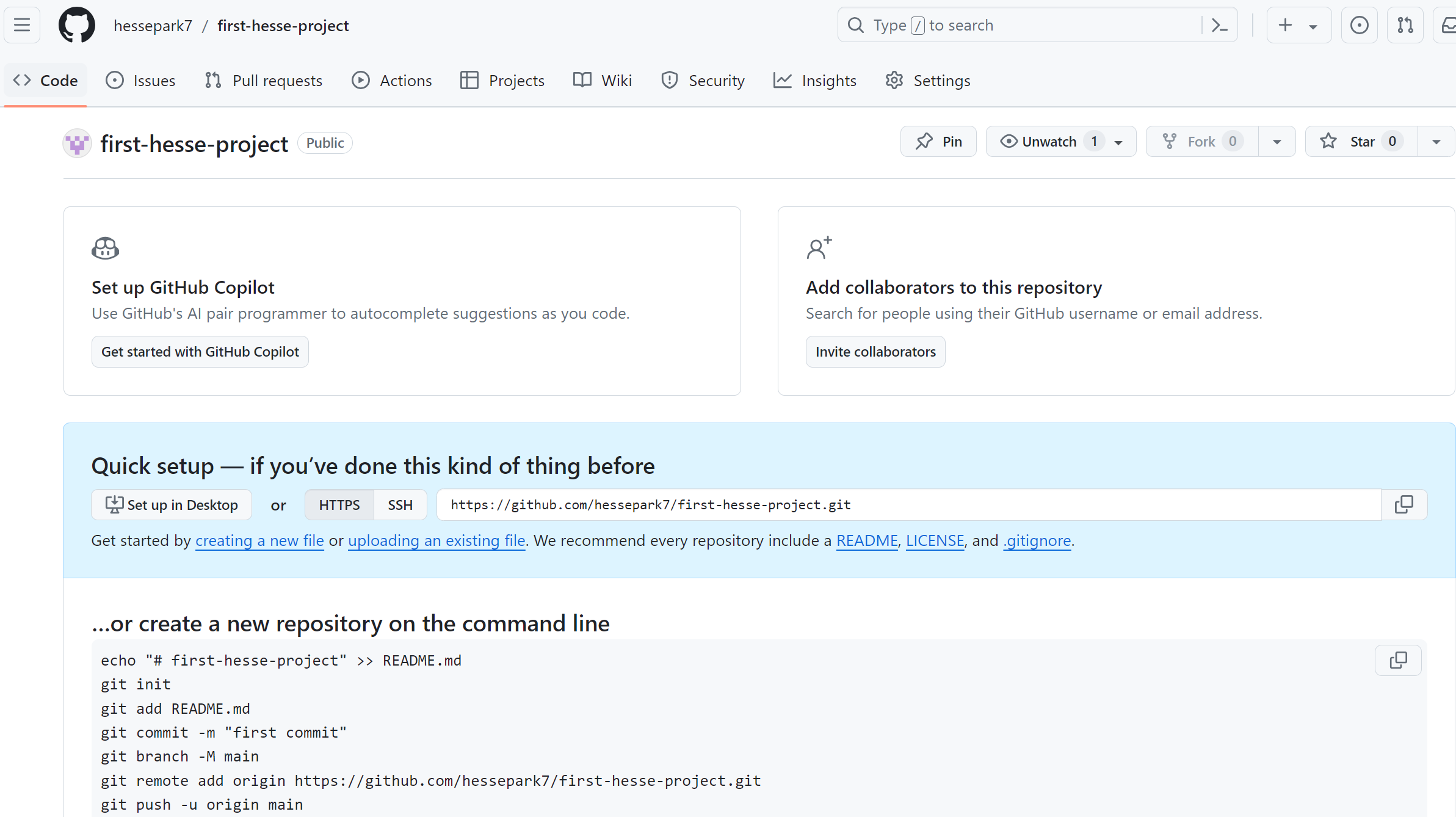
깃허브에서 프로젝트 만들기
GIT 다운로드
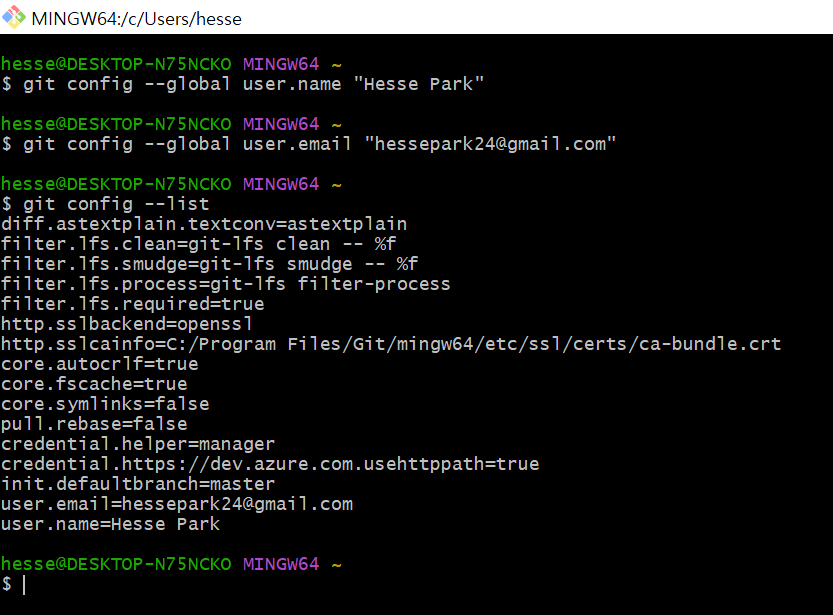
GIT 환경설정
Terminal 클릭
git init -> 맨 처음에 프로젝트 올릴 때 초기화
git add . -> .은 전부 다 라는 뜻이다. git add 어떤 파일 올릴지
( git add index.html ->은 파일 하나만 올리는 거 )
git status -> 상태를 알려주는 명령어
git commit -m "first commit" -> 우리의 history를 만들어준다.
git remote add origin https://github.com/hessepark7/first-hesse-project.git이게 연결고리다.
이 홈페이지로 내 소스코드 보낸다.
git remote -v -> 연결고리 확인 가능
git push origin master -> master branch로 코드를 보낸다.
코드를 바꿨다면?
새 코드 업데이트 하고 싶다.
git add . -> 아까 git init해서 이제 더 이상 할 필요 없다.
git status-> 확인해보면 change된 거 알 수 있다.
git commit -m "second commit" -> m은 message라는 뜻
git push origin master
출처
https://www.youtube.com/watch?v=lelVripbt2M&t=5s
https://hackmd.io/@oW_dDxdsRoSpl0M64Tfg2g/ByfwpNJ-K
Git 명령어 총정리집 (by 코딩알려주는 누나❤) - HackMD
# Git 명령어 총정리집 (by 코딩알려주는 누나❤)  안녕하세요 여러분 :)
hackmd.io
'Github' 카테고리의 다른 글
| Github/깃허브로 그룹 프로젝트 하는 법 (0) | 2024.06.01 |
|---|